Building iOS Apps on Linux with OSX-KVM
In my previous post I mentioned iOS was next. The catch: Xcode requires macOS, and I don't own a Mac. Turns out a Linux box with KVM is enough to build a Node.js Capacitor app for iOS.
Disclaimer
Running macOS on non-Apple hardware is a grey area under Apple's EULA. Documented for educational purposes. Use at your own risk.
The Setup
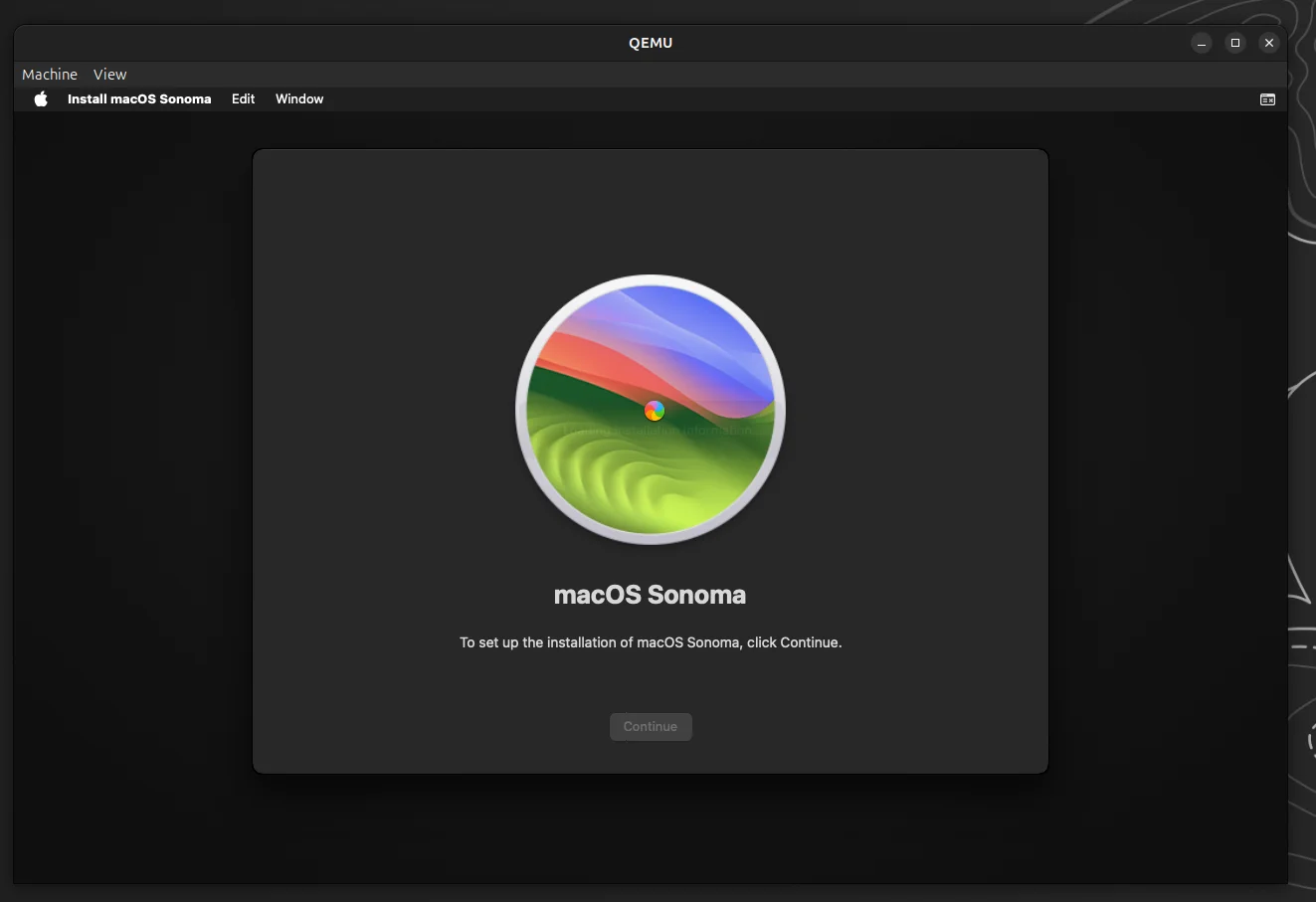
OSX-KVM handles the OpenCore bootloader, OVMF firmware, and QEMU configuration. You need an Intel or AMD CPU with virtualisation extensions, 16GB+ spare RAM, and ~80GB disk.
git clone https://github.com/kholia/OSX-KVM.git
cd OSX-KVM
./fetch-macOS-v2.py  # Pick Sonoma (14)
dmg2img BaseSystem.dmg BaseSystem.img
qemu-img create -f qcow2 mac_hdd_ng.img 128G
Tune OpenCore-Boot.sh — the defaults are too low for Xcode:
ALLOCATED_RAM="16384"
CPU_CORES="4"
CPU_THREADS="8"
Sonoma works with Skylake-Client. QEMU may warn about missing CPU features (PCID, RDSEED) — these are harmless.
Apple ID
The default OpenCore ships with shared serial numbers. You'll hit "this Mac has been used to create too many Apple IDs". Either generate unique serials with GenSMBIOS, or just skip the Apple ID during setup — you don't need one on the Mac itself.
SSH In, Skip the GUI
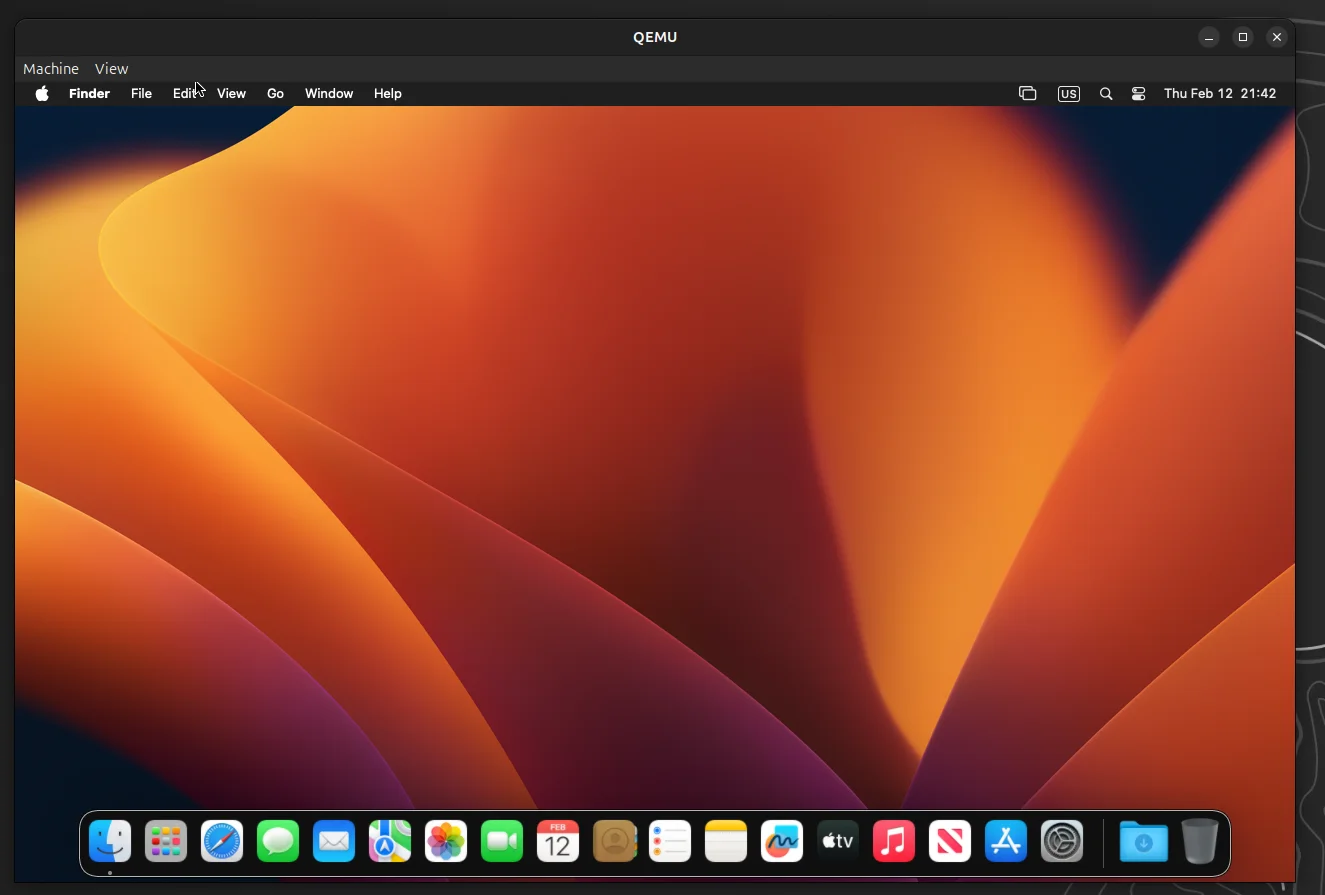
The QEMU GUI is laggy. Enable SSH in the VM and work remotely:
sudo systemsetup -setremotelogin onThe boot script already forwards port 2222, so from Linux:
ssh user@localhost -p 2222Everything from here happens over SSH.
Xcode and Node
Download Xcode from developer.apple.com/download in your Linux browser, SCP it over:
scp -P 2222 ~/Downloads/Xcode_16.4.xip user@localhost:~/On the VM:
xip -x ~/Xcode_16.4.xip
sudo mv Xcode.app /Applications/
sudo xcode-select -s /Applications/Xcode.app
xcodebuild -license accept
sudo xcodebuild -runFirstLaunch

# Node.js for Capacitor
curl -o node.pkg "https://nodejs.org/dist/v22.14.0/node-v22.14.0.pkg"
sudo installer -pkg node.pkg -target /
Building
Clone, install, build, done:
git clone git@github.com:your/repo.git
cd repo/companion
npm install && npm run build
npx cap sync ios
cd ios/App
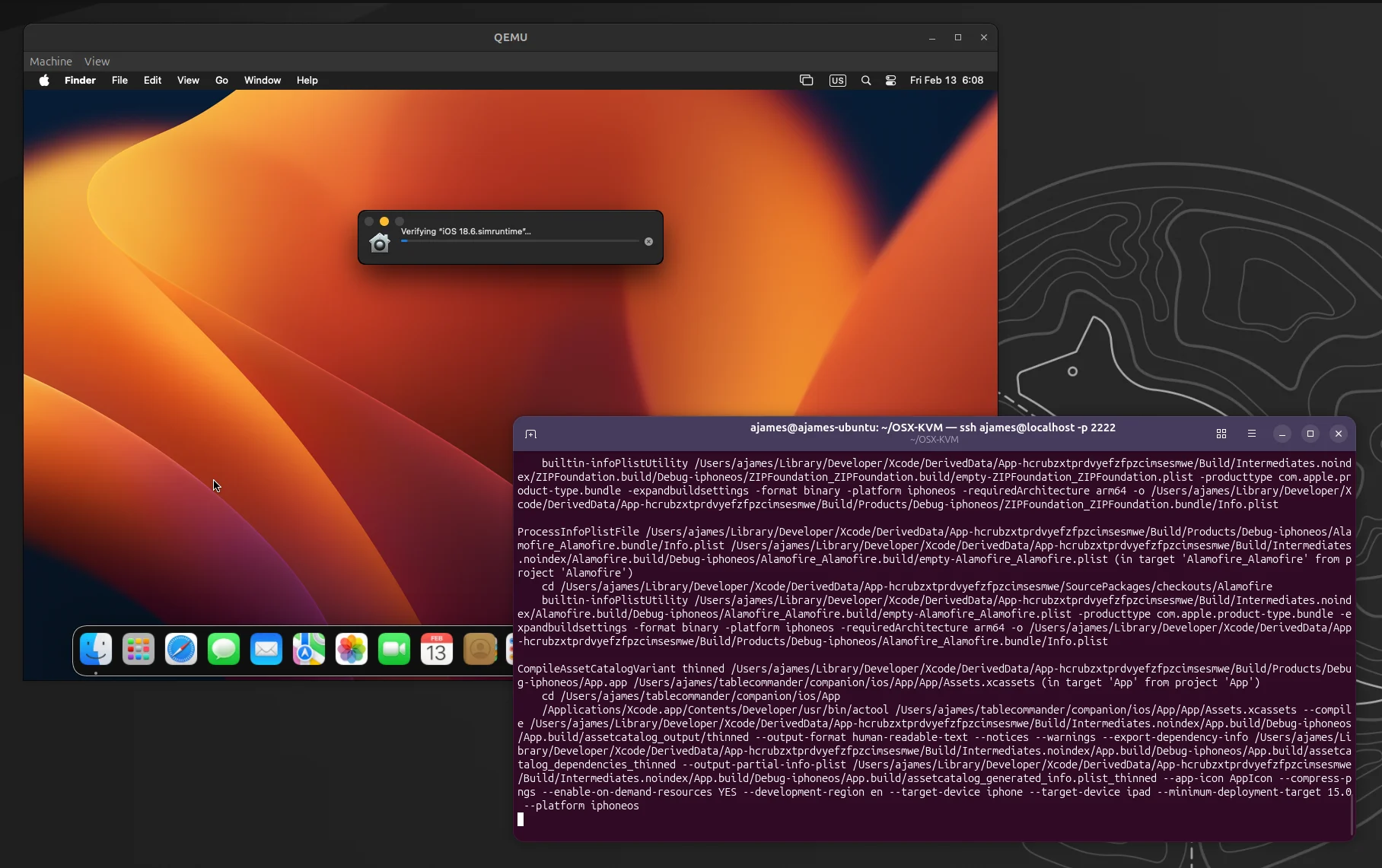
xcodebuild -project App.xcodeproj -scheme App \
  -destination "generic/platform=iOS" \
  -configuration Debug CODE_SIGNING_ALLOWED=NO
CODE_SIGNING_ALLOWED=NO skips certificates — fine for verifying the build compiles.
Running in the Simulator
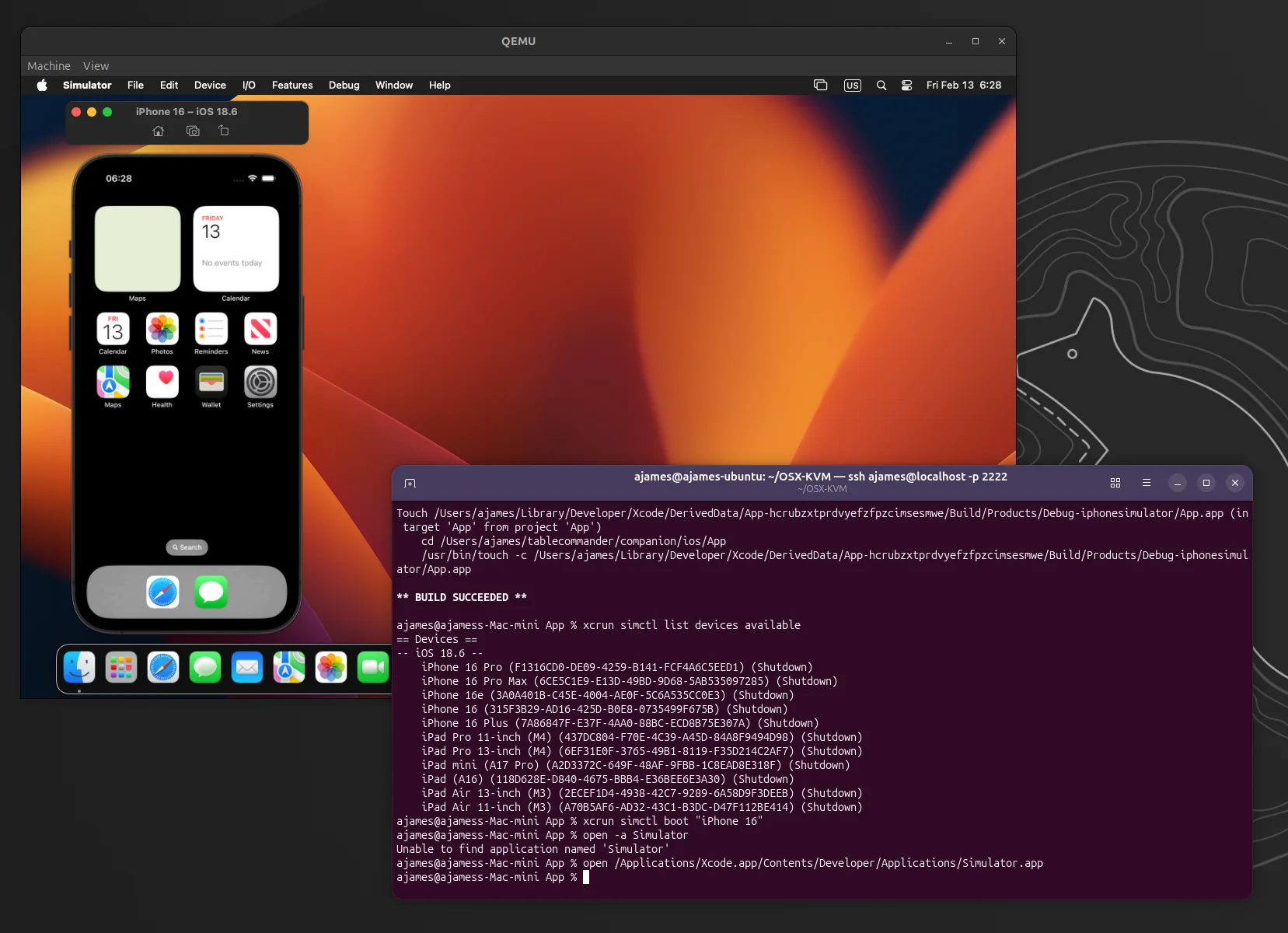
The iOS Simulator works inside the VM too. Build for the simulator SDK, then launch it:
xcodebuild -project App.xcodeproj -scheme App \
  -sdk iphonesimulator -configuration Debug

xcrun simctl list devices available
xcrun simctl boot "iPhone 16"
open /Applications/Xcode.app/Contents/Developer/Applications/Simulator.app

xcrun simctl install "iPhone 16" \
  ~/Library/Developer/Xcode/DerivedData/App-*/Build/Products/Debug-iphonesimulator/App.app
xcrun simctl launch "iPhone 16" com.tablecommander.companion
You'll need the QEMU GUI window for this one — the simulator is graphical. It runs surprisingly well.
Day-to-Day Workflow
- Write code on Linux
- Push to git
- SSH into the VM:
git pull && npm run build && npx cap sync ios xcodebuild
The Mac VM is just a build machine.
For App Store
You don't need an Apple ID on the Mac or the Xcode GUI. You do need an Apple Developer Account ($99/year), signing certificates (generated in the web portal), and xcrun altool to upload. All account management happens in your browser on Linux.
For Capacitor/React Native/Flutter apps where the Mac is just a build tool, a KVM VM does the job.
** BUILD SUCCEEDED **